Online, app and DoorDash
How to Order Dion's Delivery
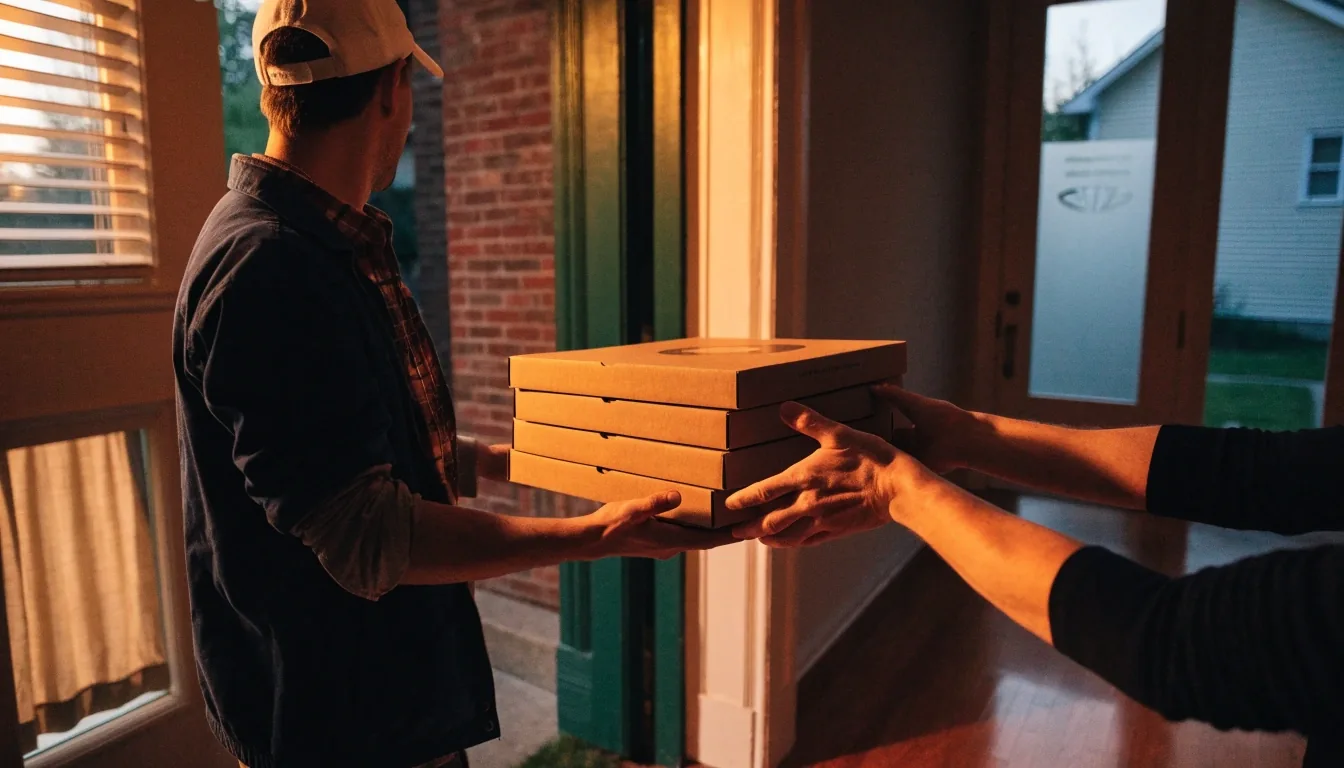
Delivery from Dion's runs through online ordering or the Dion's app, and DoorDash handles the drive. Here is how that flow works, what to check first, and what to do when delivery does not reach your address.
Two channels, one requirement
Dion's states that delivery orders must be placed through online ordering or the app. Those are the only two paths for delivery. You cannot call a store and ask them to send a driver, because fulfillment runs through DoorDash and the digital ordering system rather than the store phone line.
Pickup follows the same channels but a different fulfillment path. Knowing this up front saves a wasted call. If you start on the website or in the app, you are already in the right place — the only choice left is whether your store and your address qualify for delivery.
- Delivery starts on the Dion's website or in the Dion's app — never by phone.
- A DoorDash driver completes the trip at select locations. Dion's does not run its own delivery fleet for these orders.
- If delivery is not listed for your store, the same cart can switch to pickup.
Before you build a cart
Check delivery first, not last.
Find your store, confirm delivery is offered, then confirm your address falls inside the radius. Minimums and zone fees differ by location, so read those numbers early.
Open the ordering guide for your storeCovers New Mexico, Colorado and Texas store areas.
Ordering for a group or an event? Delivery rules for large trays and timed drop-offs are different.
Review catering delivery rulesHow Dion's runs delivery
Delivery is digital first, driver second.
You order with Dion's. A DoorDash driver brings it. That split explains the radius, the timing estimate, and why fees move a little from store to store.
Ordering through the website
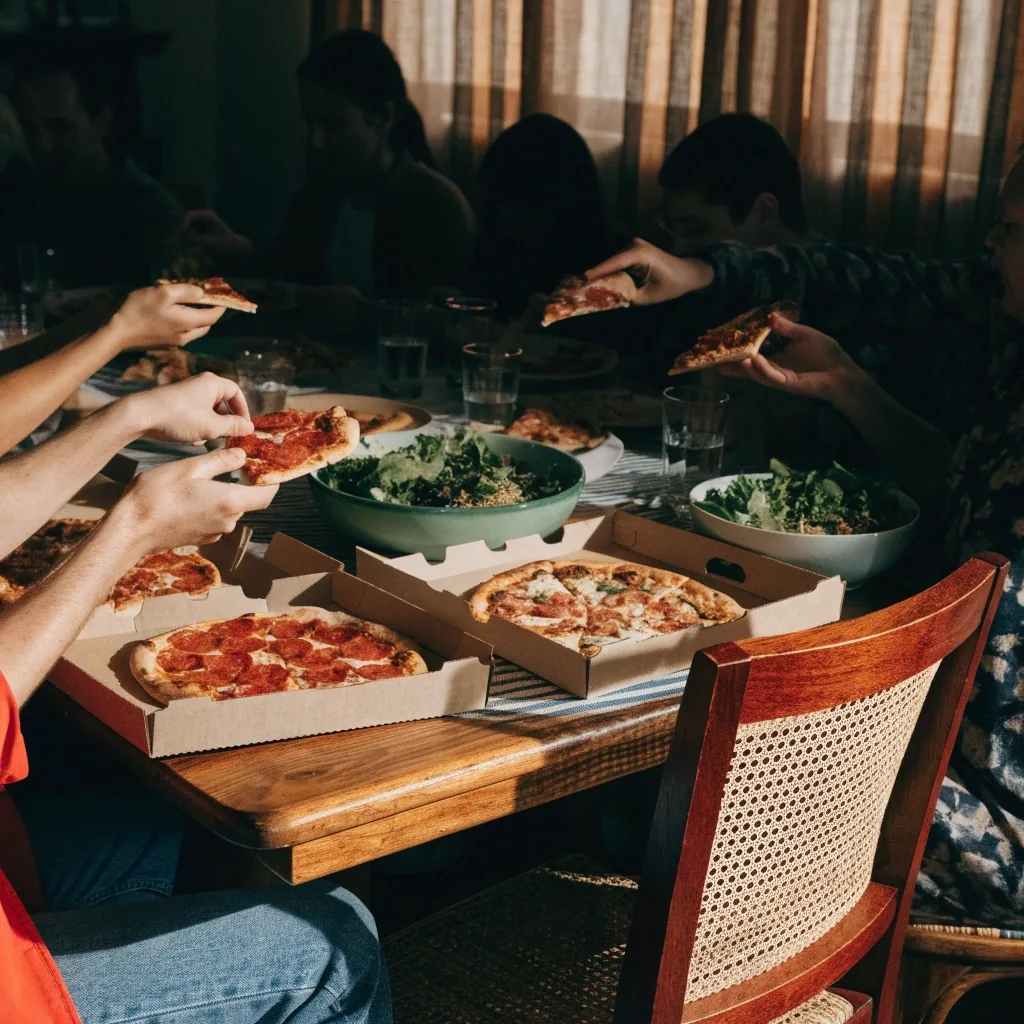
Online ordering is the backbone of dions delivery, and store pages direct customers to order ahead. The bigger screen pays off when you are building for several people — scanning the full menu, comparing subs and salads, and adjusting quantities without losing your place.
Pick your store, choose delivery where it is available, and build your cart. If delivery is not listed for that location, the system will steer you toward pickup instead. Either way you are using the same ordering engine, so nothing you typed is wasted.
Good for group orders
Easier to split pizzas, add extra Ranch, and double-check the whole cart before checkout.
Watch the store prompt
No delivery toggle at checkout means that store is pickup-only for now.
Website flow
- 1Select your store and choose delivery if it appears.
- 2Build the cart, enter your address, review fees and minimum.
- 3Submit — DoorDash assigns the driver and timing.
Dion's app order
Ordering through the app
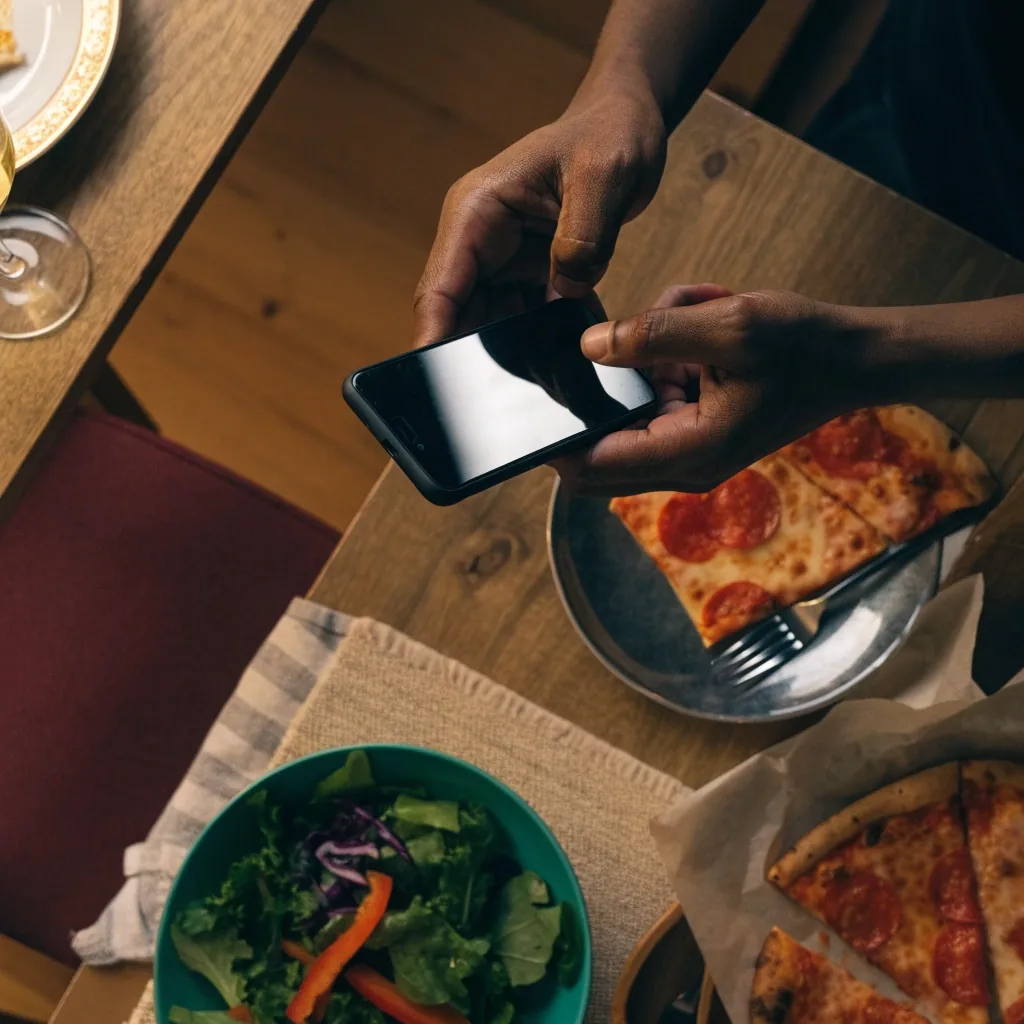
The dion's app is built for speed. Tracking and reordering matter more on delivery than pickup because you are waiting on someone else's route, and the app keeps that history one tap away. If you order the same pizza and salad most Fridays, the app cuts the whole job to minutes.
The tradeoff is the smaller screen. Assembling a big group order with multiple subs gets awkward on a phone. For a single household order, the app is usually the quicker choice — for ten people, switch to the website.
See the delivery FAQWhy delivery goes through DoorDash
This is worth understanding because it explains most of what you will see at checkout. Dion's uses DoorDash for delivery at select locations, so the radius, the timing estimate, and the fee structure come from the DoorDash system around your store. Product availability may vary by location as well.
It is not a workaround. It is how the chain has chosen to run delivery. Once you know that, variable fees and location-specific timing make sense — and you know where to look when a delivery runs late.
Radius comes from the zone
Your address either sits inside the DoorDash zone for that store or it does not. A few blocks can be the difference.
Timing follows demand
Estimates shift with distance and how busy the platform is. Friday night runs longer than Tuesday lunch.
Fees differ by store
Zone fees and minimums are set per location. Do not expect the same total in Albuquerque and Lubbock.
After you hit submit
Tracking and timing run through the app system. If the delivery itself goes sideways, that is a DoorDash matter rather than a store matter.
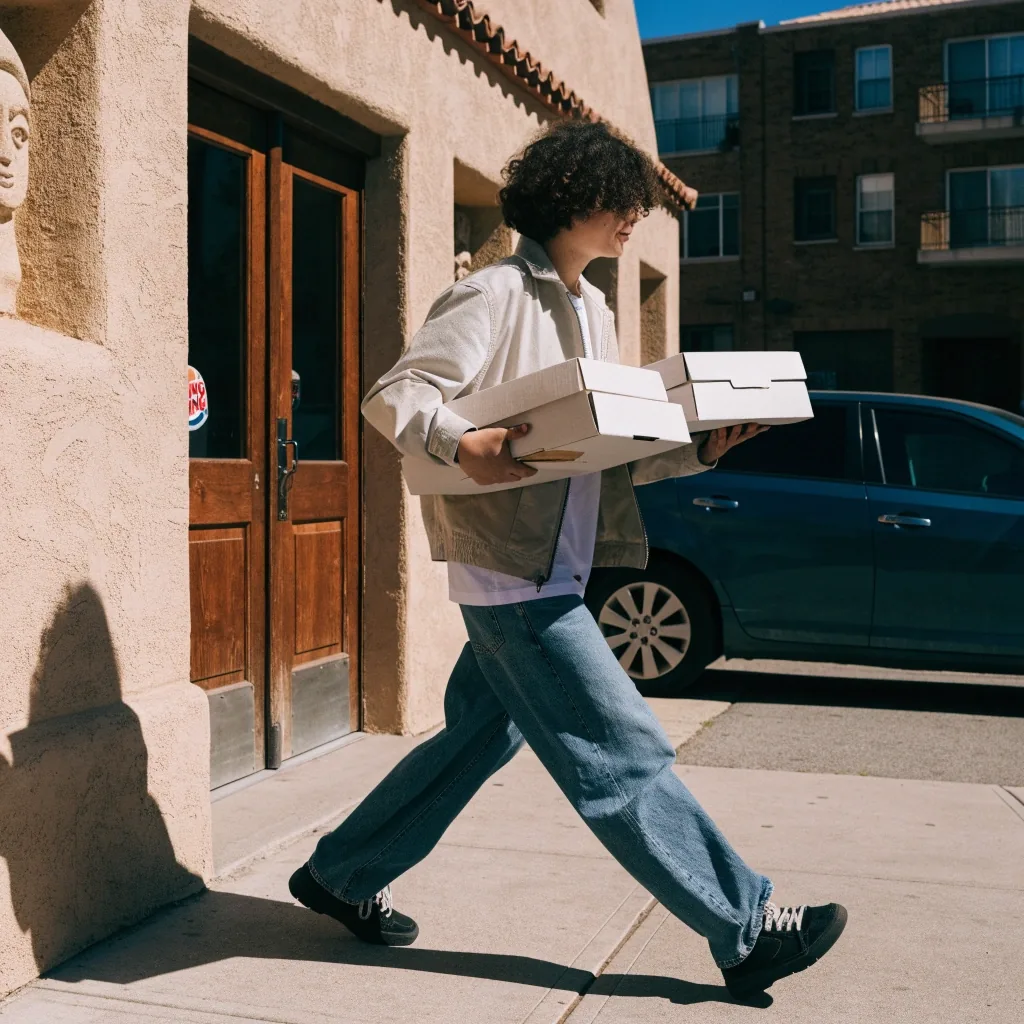
Pickup as the fallback
If delivery is not available at your store, or your address sits outside the radius, pickup is still there. You order through the same website or app and select pickup at checkout. In smaller markets pickup is often the practical default rather than a consolation prize — and when the store is close, it tends to be faster than delivery.
Ask about your store optionsRead this once
Common mistakes to avoid
Almost every failed dions order comes down to four assumptions. Skip them and the rest of the process works the way you would expect.
Assuming delivery is chain-wide
It is not. Delivery runs through DoorDash at select locations only, so confirm your store offers it before you plan the meal around it.
Ordering before checking the radius
Building a full cart and discovering at checkout that delivery does not reach you is the most common frustration. Check the address first.
Expecting identical fees everywhere
Minimums, zone fees, and timing vary by store and zone. Read the numbers on your store page rather than borrowing them from another city.
Calling the store for delivery
Phone ordering is not a supported path for delivery. If you call, the team will point you back to the website or the app.
Ordering questions, answered
Short answers for the decisions people actually get stuck on.
Can I order delivery by phone?
No. Dion's says delivery orders must be placed through online ordering or the Dion's app. Phone ordering is not a supported path for delivery.
Do I need the app, or does the website work?
Both work. The website is better for larger or group orders, while the app adds tracking and reordering conveniences that suit repeat single-household orders.
Who delivers the food?
Delivery is fulfilled through DoorDash at select locations. Dion's does not operate its own delivery fleet for these orders.
What if my store does not offer delivery?
You can still order pickup through the same website or app. Select pickup at checkout instead of delivery — the flow barely changes.
Why do fees and times differ between locations?
Zone-based fees, minimums, and estimated delivery times vary by store and by the DoorDash zone around it. Product availability can differ too.
Confirm your address, then start the cart.
Delivery works smoothly when you check coverage first. Look up your store area, then order through the website or the app — or switch to pickup if the radius misses you.